
 Features
 Image AI
 Video AI
Grok Imagine Preview 1.5
T2VI2VR2V
Upload an image
Click or drag files here
Supports image files (JPG / PNG / WEBP)
View upload limits
Image: JPG / PNG / WEBP, ≤10.0MB, up to 1 images, width & height ≥300px, aspect ratio 1:2.5 ~ 2.5:1, long side ≤6000px
Prompt
0 / 5000✖
Duration
1
15
Resolution
480p
720p
1080p
🎁Log in daily to claim up to 39 credits!
- My Creations
- Explore More
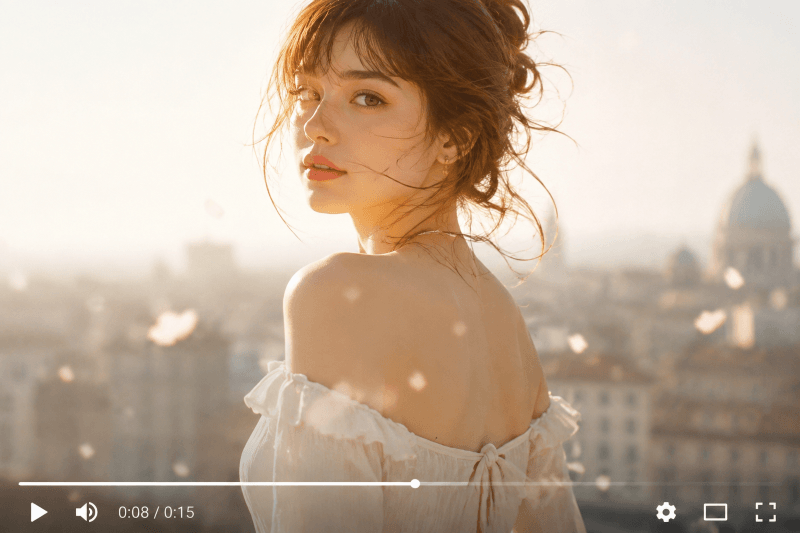
Turn still images into cinematic, dreamy video moments
With Grok Imagine 1.5 on Dreamyify, your images become soft, emotional short videos filled with movement, atmosphere, and synced audio. Everything feels more immersive, more expressive, and more visually emotional.
Designed for creators who love aesthetic storytelling, fashion-style visuals, and mood-driven content.
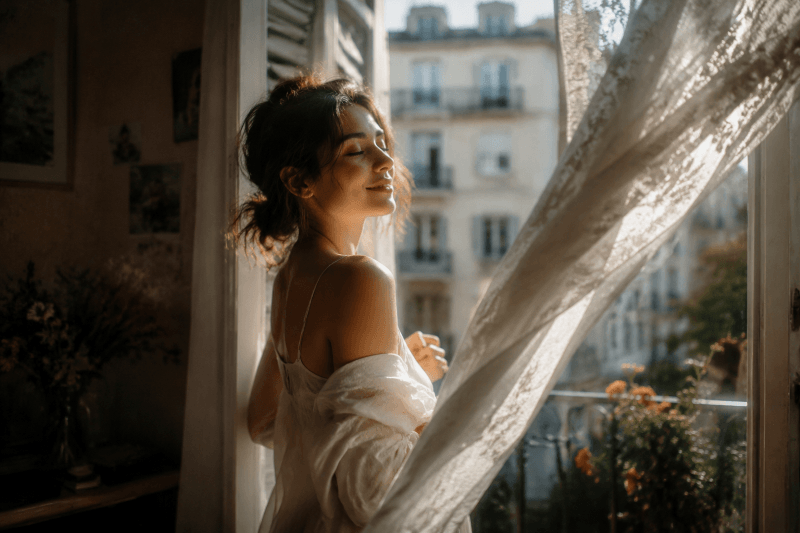
Cinematic Motion with Emotional Atmosphere
Grok Imagine 1.5 transforms images into soft, cinematic motion scenes that feel alive and emotional. Subtle camera movement, lighting shifts, and depth effects help create a dreamy visual flow instead of static imagery.
The result feels closer to a film still that has started to breathe and move.
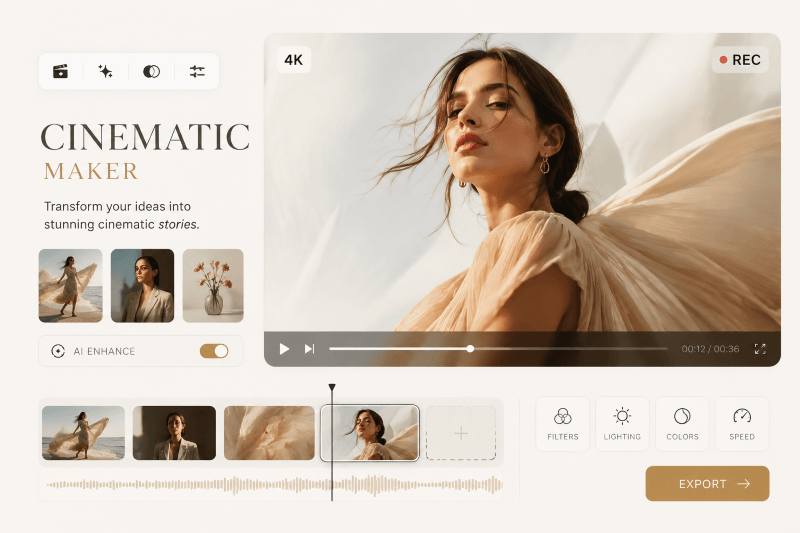
Aesthetic Content for Fashion & Lifestyle Creators
Perfect for fashion, lifestyle, and aesthetic creators, this tool helps turn simple visuals into polished cinematic clips. From editorial-style portraits to mood-driven visuals, everything feels more refined and expressive.
It’s especially useful for creators who focus on visual storytelling rather than traditional video editing.
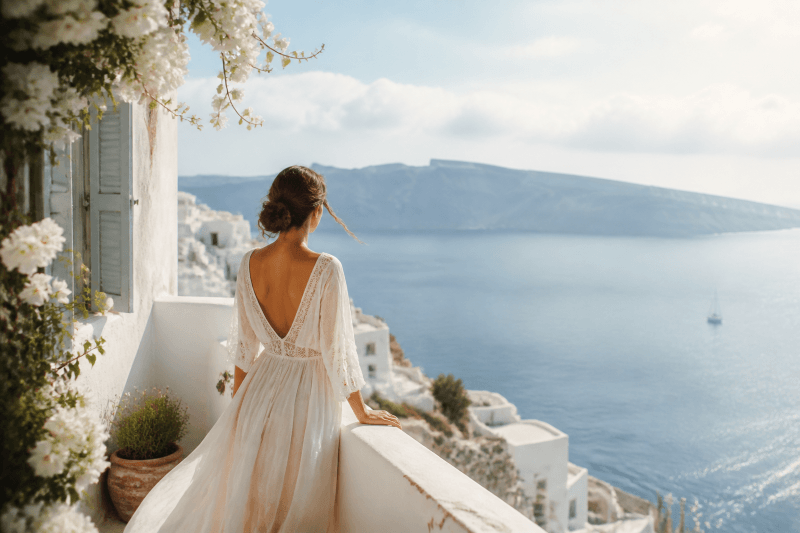
Mood-Driven Videos with Synced Audio
Beyond visuals, Grok Imagine 1.5 can generate synced audio that matches the atmosphere of the scene. Soft ambient sounds, cinematic tones, and subtle voice-like effects help build a deeper emotional layer.
This makes the final video feel more immersive and complete.
How to Use Grok Imagine 1.5
Step 1 – Upload Your Image
Upload a portrait, fashion photo, or aesthetic image.
Step 2 – Add Mood Prompt
Describe the atmosphere you want — cinematic, soft, romantic, dreamy, etc.
Step 3 – Generate Video
Get a short cinematic video with motion and synced audio in seconds.
Frequently Asked Questions About Grok Imagine 1.5
What kind of videos does Grok Imagine 1.5 generate?
It generates short cinematic AI videos from a single image and a text prompt. The output typically lasts up to 15 seconds and includes motion effects like camera movement, lighting shifts, and atmospheric transitions. In some cases, synced audio is also generated to match the visual mood.Can I control the style or mood of the video?
Yes. You can influence the result using text prompts such as cinematic, dreamy, soft lighting, fashion editorial, or emotional tone. While you don’t control timelines or keyframes directly, the AI interprets your prompt to shape motion, atmosphere, and visual style.How long are the generated videos?
Videos are short-form clips designed for social media and creative storytelling. They usually range from a few seconds up to a maximum of 15 seconds, depending on the prompt and scene complexity.Does Grok Imagine 1.5 support audio?
Yes, it can generate synced audio in supported outputs. This includes ambient sound, cinematic background audio, and subtle voice-like effects that align with the visual atmosphere of the video.Can I use the generated videos commercially?
Commercial usage depends on Dreamyify’s licensing rules and the rights of your input materials. In general, users can apply generated videos in social media content, marketing, and creative projects, as long as the input images and prompts do not violate third-party copyrights.